
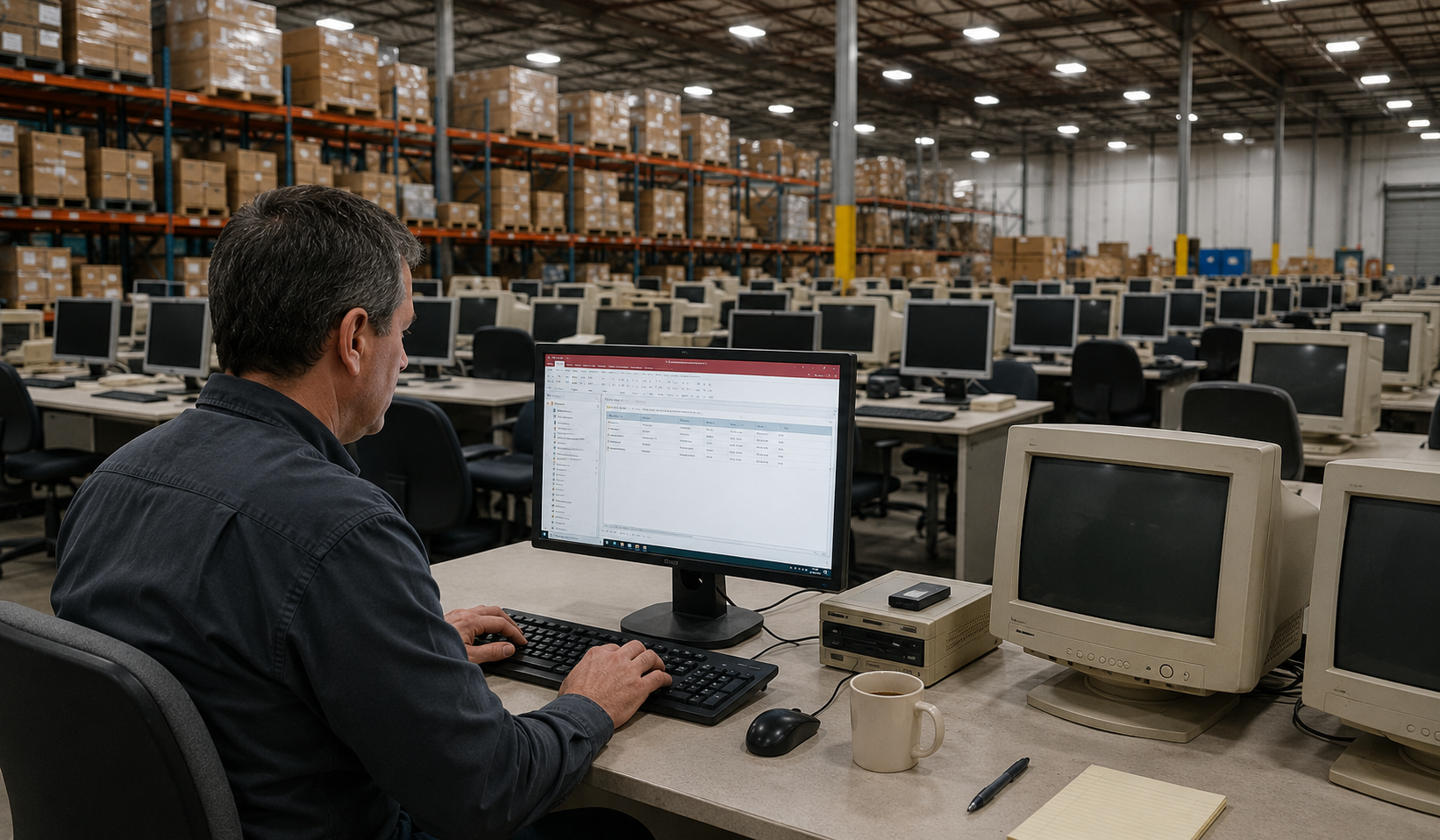
Common Problems We See
These are the real issues we hear from business owners every week. If you recognise even two or three of these, your Access database has become a liability and not an asset.
Slow Access Database
What used to take seconds now takes minutes. Reports hang. Searches crawl. Your team sits and waits while the database catches up.
Crashing & Corrupting
The database locks up mid-task, corrupts without warning, and someone has to stop what they are doing to fix it. Again.
Multi-User Access Database Issues
Access was never designed for multiple people working in it at the same time. Record locking, file conflicts, and random errors are a daily frustration.
Constant Re-Indexing
You have to compact and repair the database regularly just to keep it functioning. Miss a week and performance drops off a cliff.
The Developer Is Gone
The person who built your Access database has moved on, retired, or is simply unreachable. Nobody fully understands how it works anymore.
No Reporting Visibility
You have years of valuable data locked inside Access, but getting a useful report out of it is painful — or impossible without the original developer.
You Have Outgrown Access
Your business has grown. The number of records, users, and processes has expanded well beyond what a desktop database was ever meant to handle.
Spreadsheet Chaos
Critical data lives across dozens of Excel files. Different versions, different folders, no single source of truth. Nobody is confident the numbers are right.
Request an Access Database Review
Complete the form and a member of our team will be in touch to discuss your requirements.
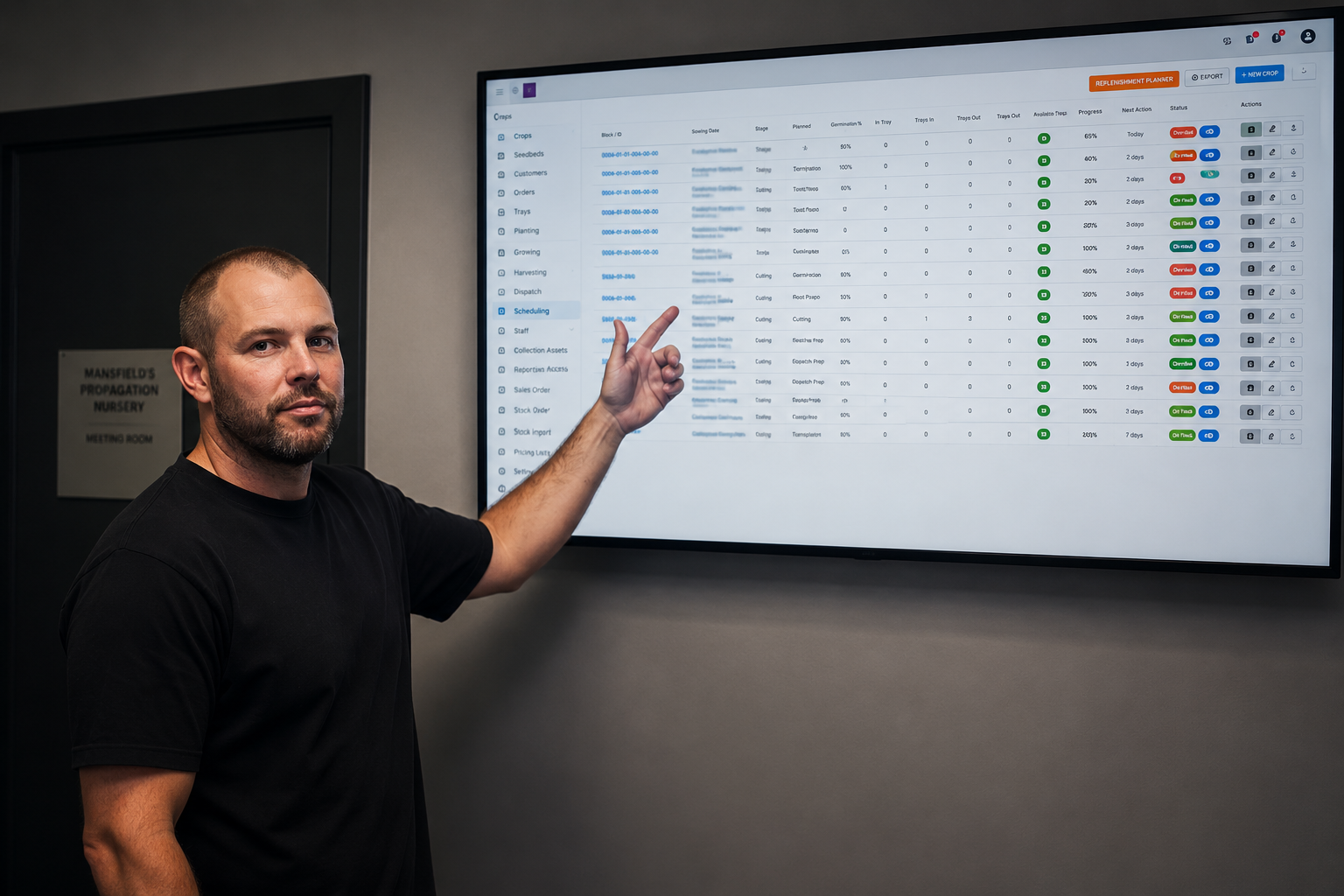
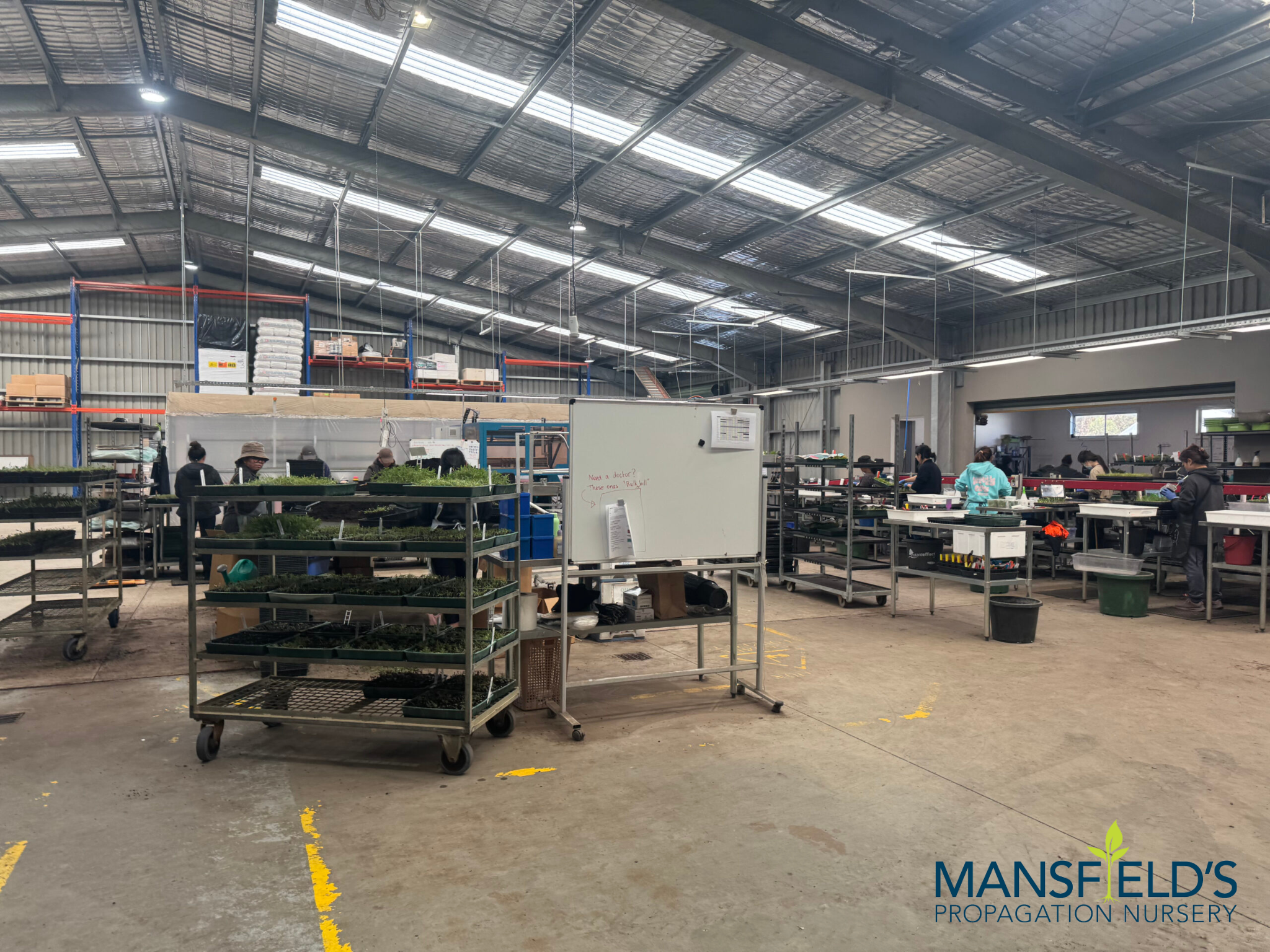
CASE STUDY – MANSFIELD’S PROPAGATION NURSERY BIGGEST SHIFT
A nursery running a 6-million-plant operation on a crashing Access system.
Here’s what happened next.
Mansfield’s Propagation Nursery had the same database running a 6-million-plant operation that it had been using for years. Inventory wasn’t live. Time-sensitive stock could be sold before anyone knew it was ready. Managers spent their days handing out paper job-rounds instead of running the business.
OUR SOLUTION
We migrated their entire system off Access and Excel, preserving every record, and rebuilt it as a fast, secure web application designed around how a nursery actually operates. Live inventory. Real-time reporting. Workforce scheduling directly from the nursery floor.
From day one of go-live, managers and staff could see what they needed, the moment they needed it, from anywhere on the property.
REAL-TIME INVENTORY VISIBILITY
SCHEDULE FROM THE NURSERY FLOOR
LIVE REPORTING & SMARTER DECISIONS
INTERACTIVE JOBS BOARD
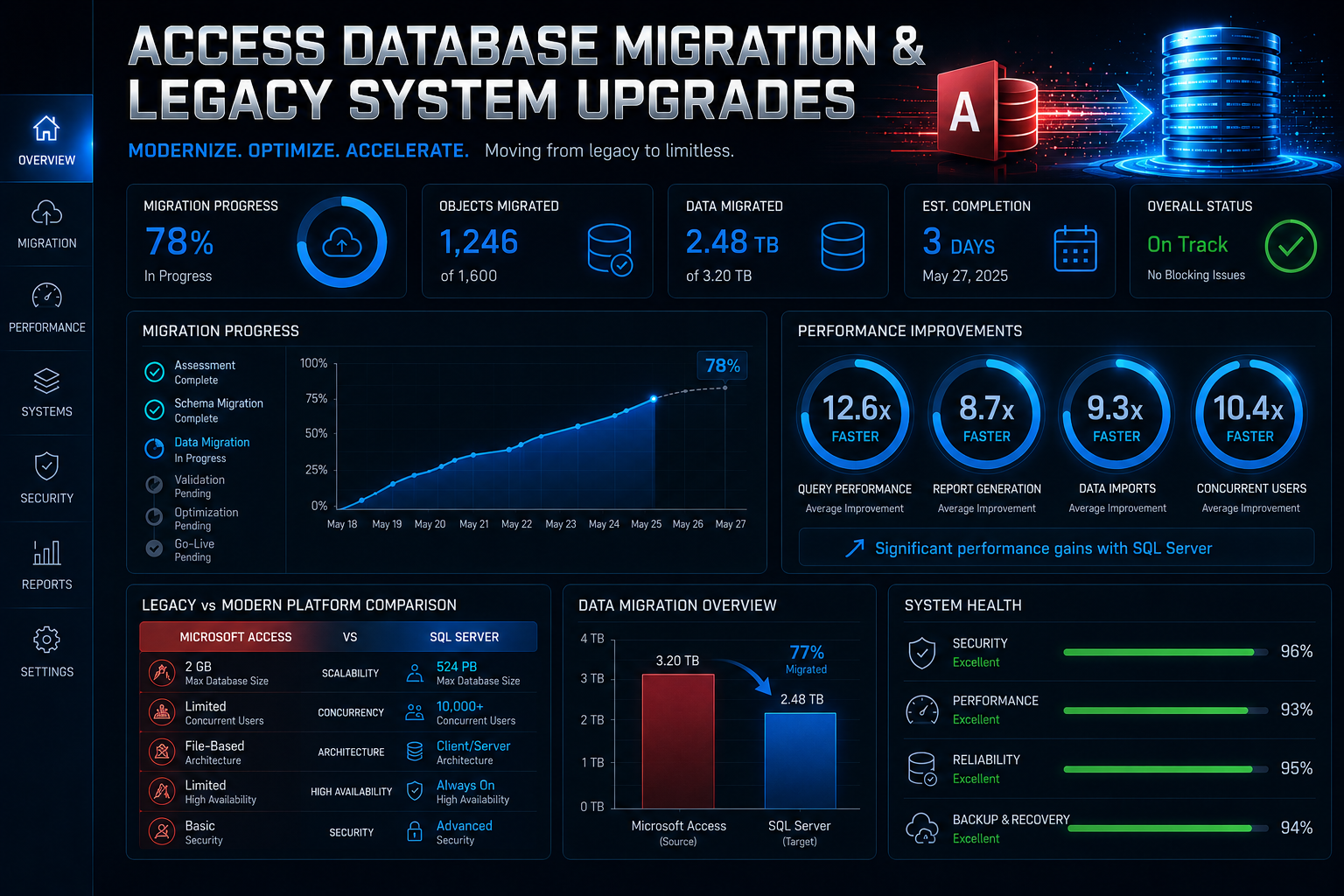
10× FASTER, MORE SECURE
We Rebuild Your System – Not Just Copy It Across
We do not just lift your database into a new tool and hope for the best. We rebuild your system from the ground up, preserving your data, fixing the problems, and giving you something that actually works.
Modern Web App Replacement that accessible by any browser, any device, any number of users
We migrate your Access database into a proper web-based application using MySQL and PHP that is accessible from any browser, by any number of users, from anywhere.
Excel Spreadsheet Migration
We take your scattered spreadsheets and consolidate them into a single, structured application with proper data integrity, user permissions, and live reporting.
Legacy System Upgrades
Running an old Access 2003 or 2007 database on an unsupported system?
We bring your entire workflow forward into a modern, supported, and secure platform.
System Integration
Your new application can connect to your accounting software, CRM, email, or any other system your team uses eliminating double-entry and manual workarounds.
Multi-User Web Access
No more file locking or VPN headaches. Your team accesses the application through a browser in the office, on the floor, or working from home.
Reporting & Dashboards
Finally see what is happening in your business in real time. We build clear dashboards and reports so you can make decisions based on live data, not last month’s export.
Access Database Migration Specialists
We help Australian businesses move away from unstable legacy systems without losing years of operational knowledge and historical data.
We specialise in:
Access database migration
Access to MySQL/PHP conversions
Microsoft Access replacement
Workflow modernisation
Access database upgrades
Web-based operational platforms
Legacy operational system upgrades
Custom business application development
Excel spreadsheet migration
Access database support
What We Replace
We modernise the systems that run your business.
Production management systems
CRM-style Access databases
Manufacturing workflows
Operational reporting systems
Inventory databases
Spreadsheet-based processes
Quoting systems
Legacy desktop applications
Scheduling systems
Job tracking databases
Our Access Database Migration Process
We follow a structured six-step process. No surprises. You see and approve progress at every stage.
01
We map everything you have including the workarounds
We assess your current system, your data, and how your team actually uses it day to day. This includes the unofficial workarounds and the quirks that only three people know about. Nothing gets overlooked because we didn’t ask.
02
We plan the migration and agree on exactly what you’ll get
We show you the design of the new system before we build it. You sign off on every screen, every report, every workflow. No surprises at the end because you’ve already approved what the end looks like.
03
We clean your data before it moves and not after
Years of manual entry means years of small errors, duplicates, and inconsistencies. We fix all of that before a single record crosses over. What arrives in the new system is clean, accurate data.
04
We build your new system while your business keeps running
We build in parallel. You keep using Access while we construct the replacement. There’s no day when your business is down and waiting.
05
We test everything thoroughly before your team touches it
We test every form, every report, every workflow for accuracy, speed, and security before you go anywhere near it. Your team doesn’t encounter bugs. We find them first.
06
We go live and stay with you, not just for a week
We go live with minimal disruption. We’re available for questions, fixes, and adjustments in the weeks after launch. This isn’t a project that ends the moment we hand it over and we stay until your team is confident and the system is running exactly as it should.
Businesses That Have Outgrown Access
We work with SMEs across Melbourne, the Mornington Peninsula, and regional Victoria. If your business runs on a legacy Access system or a tangle of Excel spreadsheets, this service is built for you.
Manufacturing & Production
Job tracking, production scheduling, inventory management — all stuck in an Access database that was built ten years ago and held together with workarounds.
Wholesale & Distribution
Orders, pricing, stock levels, and customer records spread across Access and Excel. Your team re-enters data daily because nothing connects properly.
Trade & Field Services
Quoting, job management, and invoicing running through an old Access database that only one person in the office knows how to operate.
Healthcare & Allied Health
Patient records, appointment tracking, or compliance reporting managed through Access — with growing concerns about data security and access controls.
Not-for-Profit & Community
Donor databases, membership registers, and reporting systems built in Access years ago — now too fragile to rely on and too risky to leave as they are.
Professional Services
Client records, case tracking, or project management systems that were "temporary" solutions in Access — and somehow became permanent.
Technology Stack
We build modern, secure systems using:
FAQ
How long does an Access database migration take?
Typically 4–12 weeks depending on complexity. We give you a clear timeline during our discovery phase.
Will my existing data be safe?
Yes. We extract, clean, and migrate every record. Your data is validated against the original before go-live.
Can you improve our existing Access system instead of replacing it?
In some cases, yes. But if the core limitations of Access are the problem, a migration to a web-based system is the better long-term solution.
Will my new system be accessible remotely?
Yes. Your new application runs in a web browser — accessible from any device, anywhere, with no VPN required.
What if our Access database keeps crashing?
That is one of the most common reasons businesses come to us. We can stabilise your current system while planning the migration.